Holiday Dinner Cook-Timing Planner
Enter your serve time and your dishes. Get a back-timed plan for oven and stovetop.
Enter your serve time, your ovens and your dishes with the times from your own recipes. It works backwards to a step-by-step plan, warns you when two dishes need the oven at different temperatures, counts down on the day, and prints a fridge sheet. Works offline on your phone.
Getting secure checkout ready…
One-time purchase, no subscription. Download link by email. Refund within 14 days if it doesn't help.
Cook times, temperatures and resting times are the ones you enter from your recipe. This planner doesn't check doneness or food safety. For safe cooking temperatures, thawing, and how long food can sit out, follow official guidance such as FoodSafety.gov in the US, or your national food safety agency.
Holiday Dinner Cook-Timing Planner
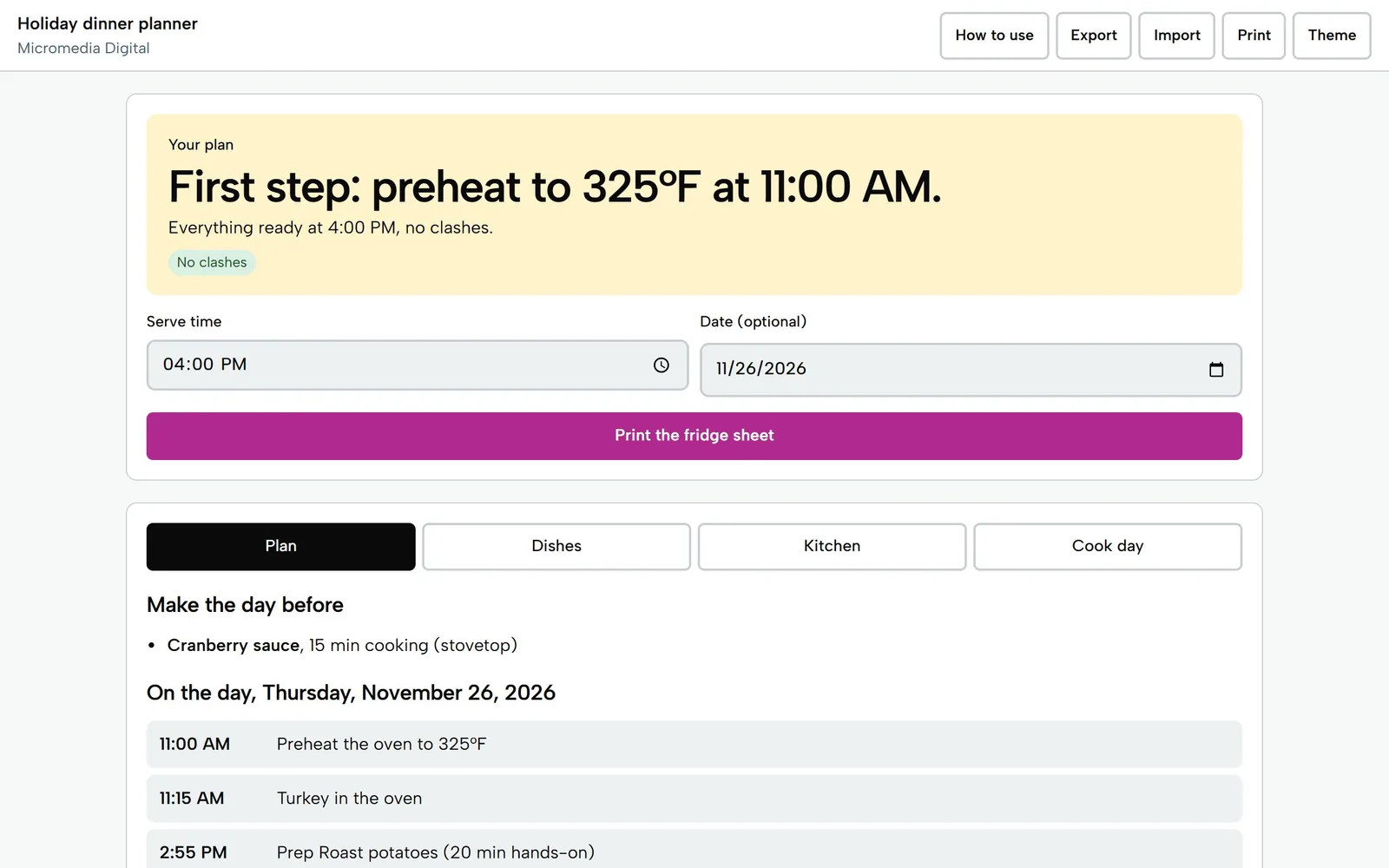
Sample dinner, Thursday, Nov 26, 2026
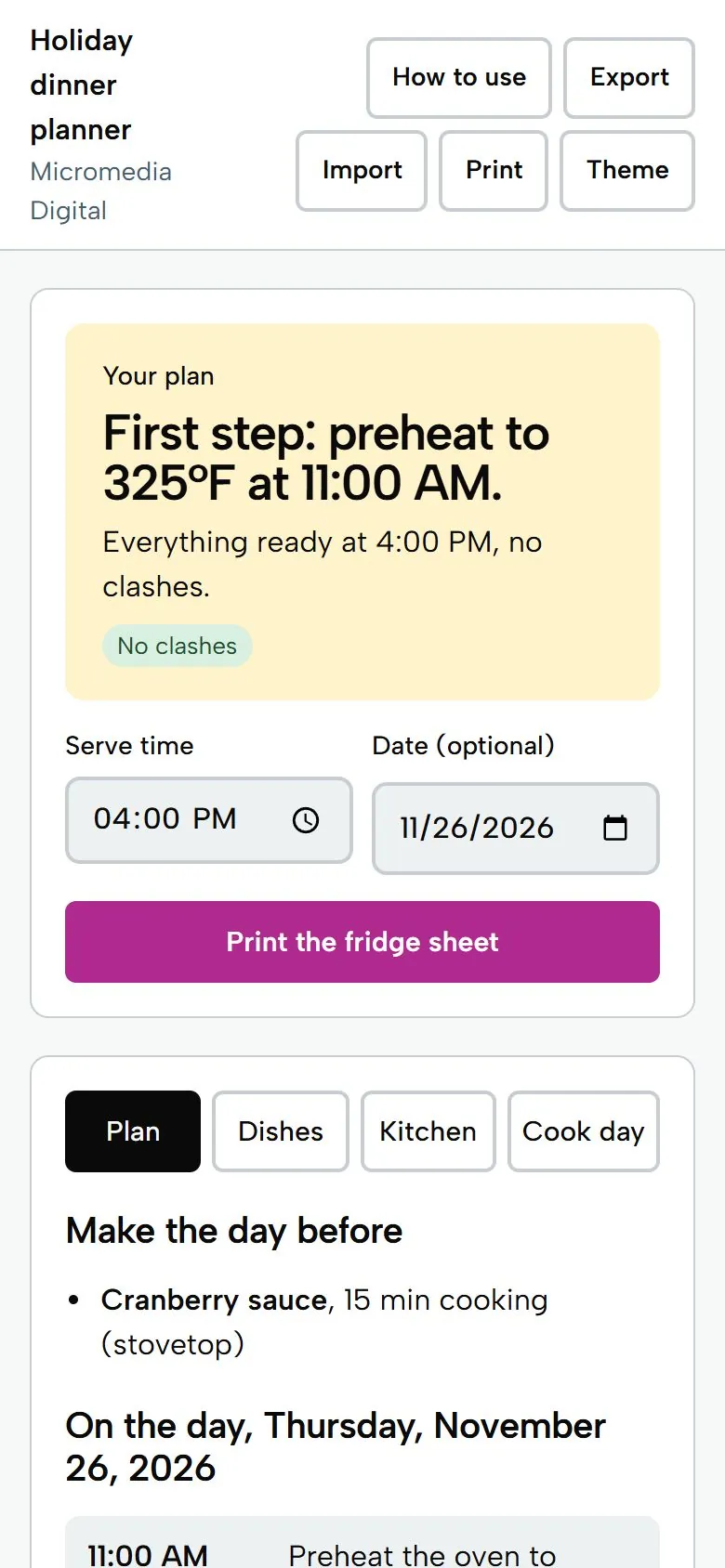
Preheat to 325°F at 11:00 AM
First step. Everything ready at 4:00 PM, no clashes
Times and temperatures come from your own recipes. This planner doesn't check doneness or food safety.
Try it here
This is the demo build with sample numbers. Saving and export are switched off.
Getting secure checkout ready…
What you get
- Works backwards from your serve time to a single time-ordered plan: preheat, prep, in, out, serve
- Your menu, your ovens: one or two ovens, your burners, other appliances like a slow cooker
- Warns in plain words when dishes clash on oven temperature, and when you run out of burners
- Cook-day countdown with tick-off, plus a large-type fridge sheet you can print
- Change the serve time and the whole plan shifts; works for Thanksgiving, Christmas, Easter or any big meal
Who it's for
First-time and occasional hosts cooking a big meal for 5 to 15 people, who want one clear plan for when everything goes in and comes out instead of counting backwards on the back of an envelope.
Questions
Does it tell me how long to cook my turkey or what temperature to use?
No. Every cook time, rest time and oven temperature comes from your own recipe. The planner only does the timing: it works backwards from when you want to eat. It doesn't check doneness or food safety, so follow official guidance such as FoodSafety.gov in the US, or your national food safety agency.
What happens when two dishes need different oven temperatures?
It plans the oven in blocks, leaves the heat-up gap you set for changing temperature, and tells you in words if a dish would finish earlier than you said it can wait. It never changes a temperature or time for you.
Can I use it with two ovens, a slow cooker or Celsius?
Yes. Choose one or two ovens, name other appliances like a slow cooker or air fryer, and switch between Fahrenheit and Celsius in the Kitchen tab. It warns you if two dishes need the same appliance at the same time, or if you have more pots going than burners.
Does it work on my phone and offline?
Yes. It is one HTML file designed for a phone screen first. Save it to your device, open it in your browser, and everything works offline. Your plan saves on your device, and Export keeps a backup file.
Will it send alarms or notifications on the day?
No. The Cook day tab shows the next step and counts down using your device's clock while the page is open, and you can tick steps off. Print the fridge sheet if you want a copy on paper.
Does it work on my phone?
Yes. Each tool is a single file that opens in the browser on any iPhone, Android phone, tablet or computer. There's no app to install.
Where do my numbers go?
Nowhere. Everything you type stays on your own device. The tools work offline and never send your data anywhere.
Is there a subscription?
No. You pay once and keep the file. Fixes to the version you bought are free.
Pay once,
$9
You get the file, free fixes to version 1.0.0, and your money back within 14 days if it doesn't help.
Getting secure checkout ready…
Read the refund policy