Moving Budget & Countdown
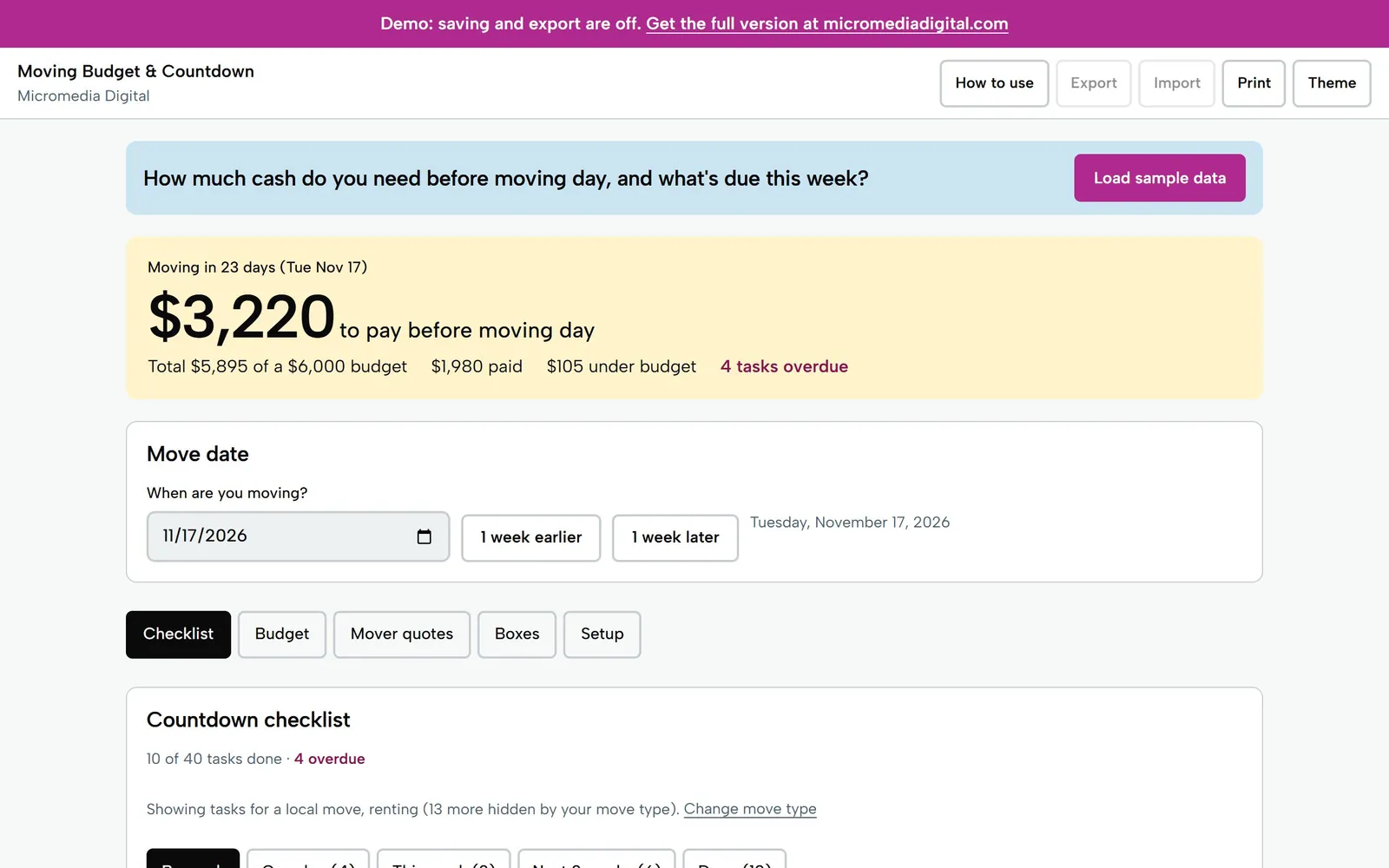
Enter your move date to see what's due this week and the cash needed by moving day.
A moving checklist and budget that opens on your phone, works offline and re-dates itself. Enter your move date for a week-by-week countdown, add your costs, and see what's booked, what's paid and the cash you need before moving day. Compare mover quotes, number boxes by room and print labels.
Getting secure checkout ready…
One-time purchase, no subscription. Download link by email. Refund within 14 days if it doesn't help.
Reminders only. Check your lease, your mover's contract and your state's rules.
Moving Budget & Countdown
Sample move, Tue Nov 17
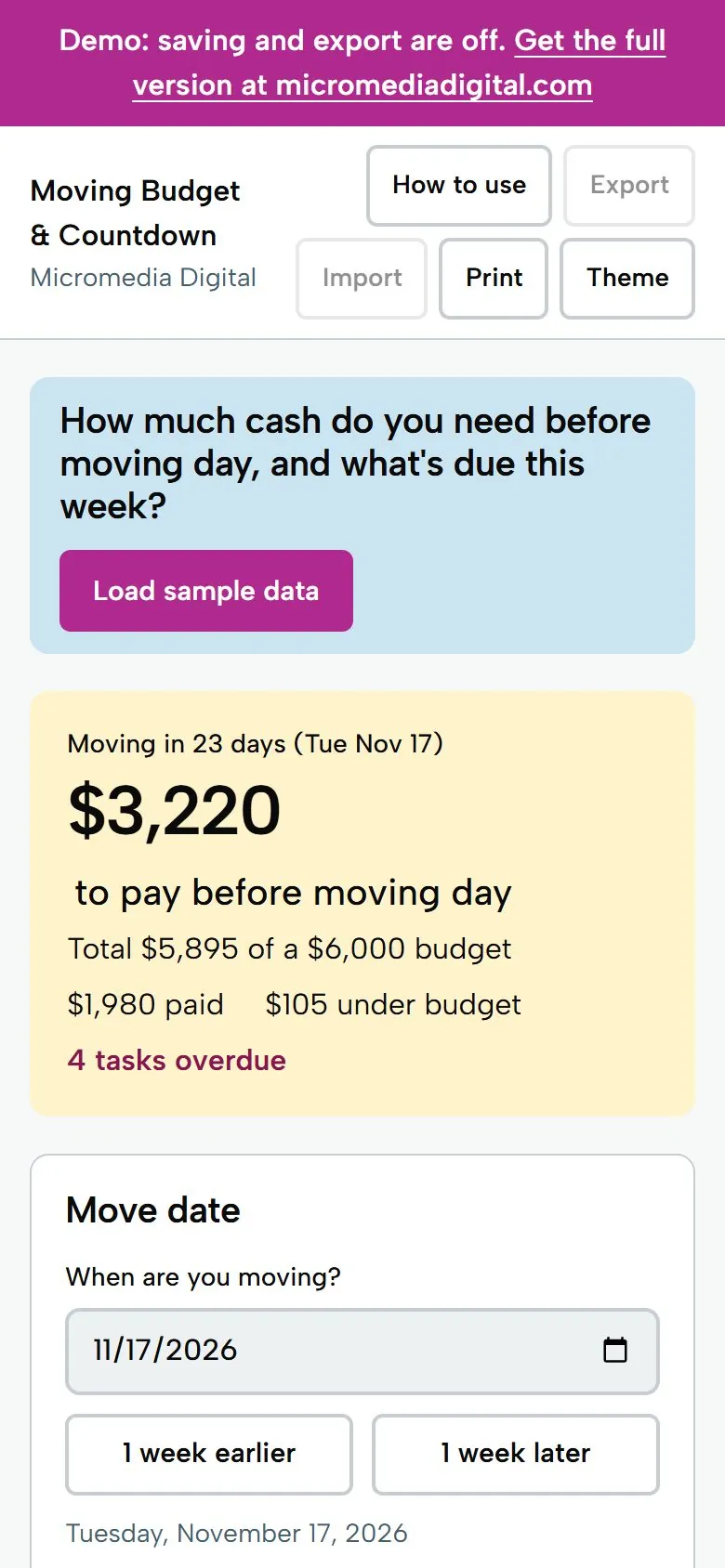
$3,220
to pay before moving day
Try it here
This is the demo build with sample numbers. Saving and export are switched off.
Getting secure checkout ready…
What you get
- One big answer at the top: days until you move and the cash you still need to pay on or before moving day, with total, paid and over or under your budget
- About 40 countdown tasks that get due dates from your move date and move when you change it; switch local or long-distance, renting or buying, and first place; edit, delete or add your own
- Views for overdue, this week, the next 2 weeks, by week and done, plus a printable checklist
- Budget with unlimited costs by category, amounts, paid so far, due dates, booked ticks and a target, plus up to 5 mover quotes side by side with Use this quote
- Box tracker numbered per room with open-first and fragile flags, and printable labels, 6 per Letter page, plus a one-page budget summary
Who it's for
Renters and buyers planning a move, including students and first-apartment movers, who want one plan for what to do and what to pay. Opens in any browser on phone or computer, and nothing is sent anywhere.
Questions
Does it need an internet connection or an account?
No. It's a single file that runs in your browser, offline. There's no login, and nothing you type leaves your device.
What happens when I change my move date?
Every checklist task is dated from your move date, so they all move with it, and costs marked due on moving day follow it too. The cash-needed number updates at once.
How is the cash needed before moving day worked out?
It adds the unpaid balance of every cost due on or before your move date. Costs with no due date are shown separately so nothing is hidden or guessed.
Can I change the checklist?
Yes. Edit any task's wording, timing and notes, delete tasks, add your own, and switch default tasks on or off by move type. Deleted default tasks can be restored.
Is it legal or financial advice?
No. The tasks are reminders only. Check your lease, your mover's contract and your state's rules; the tool doesn't state legal deadlines or give advice.
Does it work on my phone?
Yes. Each tool is a single file that opens in the browser on any iPhone, Android phone, tablet or computer. There's no app to install.
Where do my numbers go?
Nowhere. Everything you type stays on your own device. The tools work offline and never send your data anywhere.
Is there a subscription?
No. You pay once and keep the file. Fixes to the version you bought are free.
Pay once,
$12
You get the file, free fixes to version 1.0.0, and your money back within 14 days if it doesn't help.
Getting secure checkout ready…
Read the refund policy