Reseller Profit Calculator
Know in the thrift aisle if it's worth buying, and what you really made once it sold.
An offline tool for eBay, Poshmark, Mercari, Depop and Vinted sellers. Type a buy cost and expected price for an instant buy or skip against your own minimum profit. Then log unlimited items to see net profit per item, monthly profit, days to sell, best sources and a year-end summary.
Getting secure checkout ready…
One-time purchase, no subscription. Download link by email. Refund within 14 days if it doesn't help.
Fee presets are starting points; check current rates on each platform. The year-end summary is descriptive and is not tax advice.
Reseller Profit Calculator
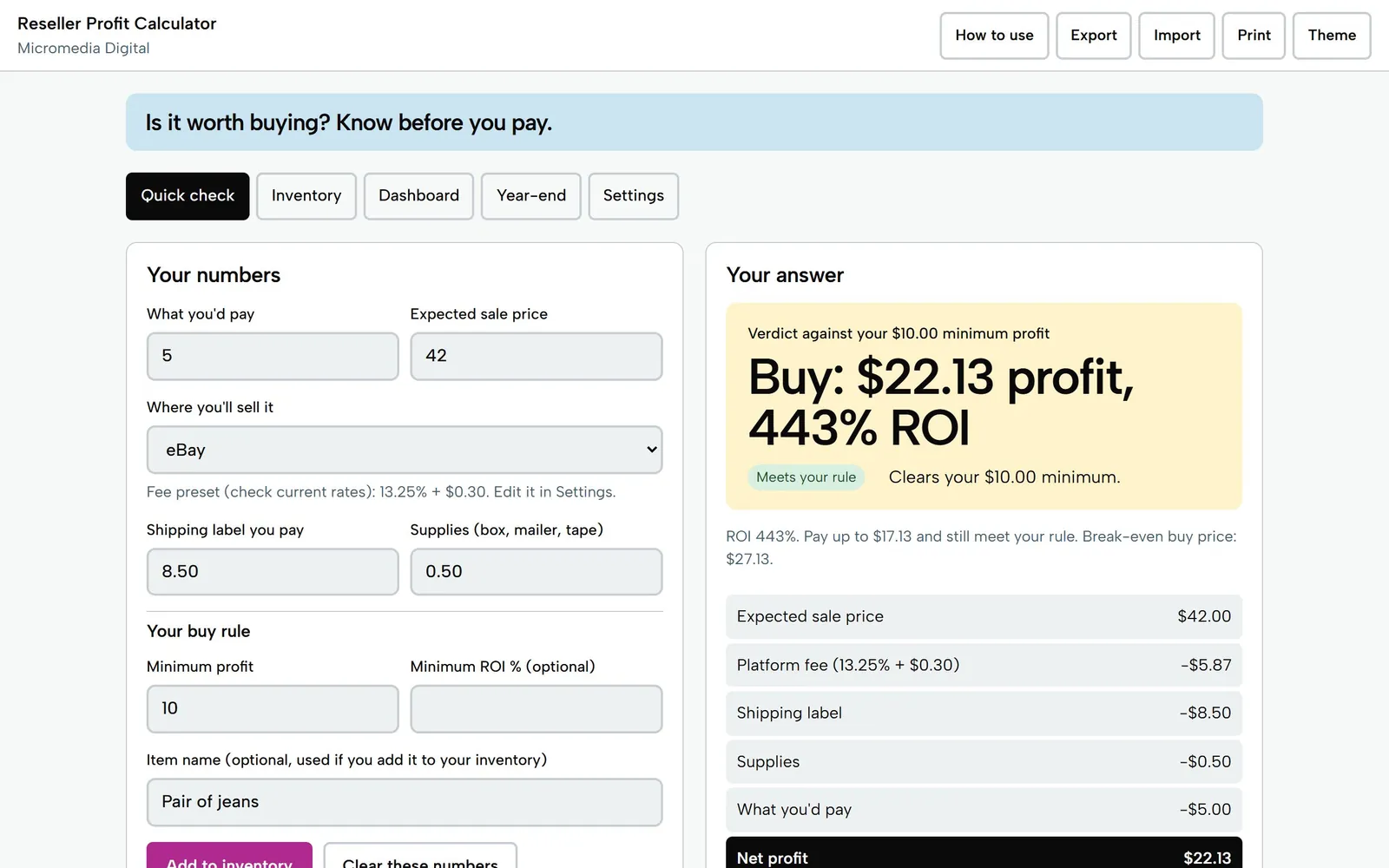
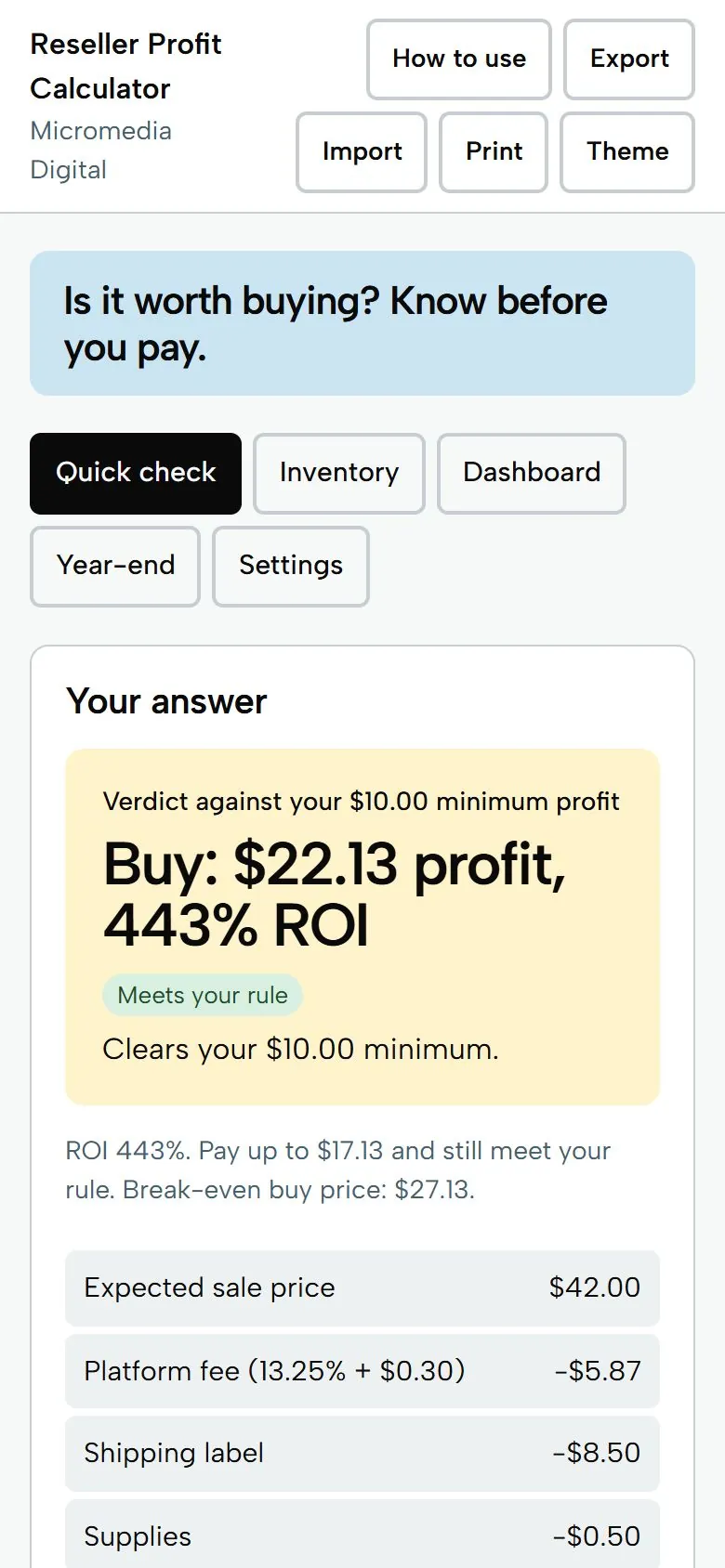
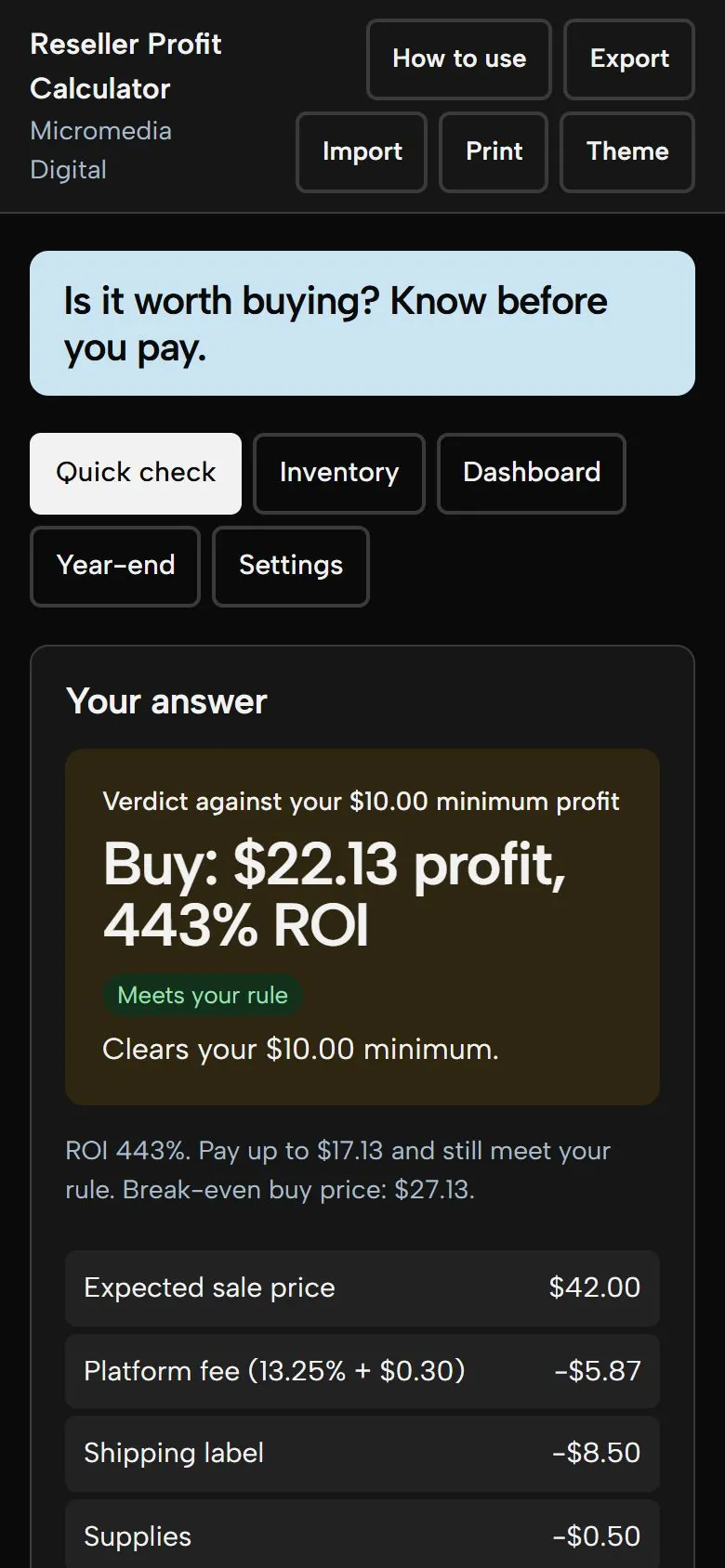
Pair of jeans, selling on eBay
Buy: $22.13 profit
443% ROI, clears your $10 minimum
Try it here
This is the demo build with sample numbers. Saving and export are switched off.
Getting secure checkout ready…
What you get
- Quick check built for one thumb in the thrift aisle: profit, ROI and a buy or skip against your own minimum, plus the most you can pay.
- Editable fee presets for eBay, Poshmark, Mercari, Depop, Vinted and your own platforms, with a typed fee override on any item.
- An inventory log with no row limit: sort or search any column, add and remove items freely, and download the whole log as CSV.
- A dashboard with net profit this month, average days to sell, sell-through rate, money tied up in stock, and your best sources and categories.
- A year-end summary of sales, cost of items sold, fees, shipping and stock on hand, written to hand to an accountant. One file that works offline, with no account.
Who it's for
Part-time resellers on eBay, Poshmark, Mercari, Depop and Vinted who want to know what an item will really earn before they buy it, and what they actually made after fees, labels and supplies once it sells.
Questions
Do I need an account, Google Sheets or an internet connection?
No. It's a single file you download and open in any browser, on your phone or computer. It works offline and nothing is sent anywhere.
Are the platform fees up to date?
The presets are starting points, not promises. Platforms change their fees, so check each platform's current rates and edit the numbers in Settings. You can also type the real fee on any individual item.
Can I add as many items as I want and sort any column?
Yes. There is no row limit. Tap any column heading to sort it, search across every column, filter by status, platform, source or category, and download the whole log as a CSV file.
Is the year-end summary tax advice?
No. It is a plain description of the numbers you entered (sales, cost of items sold, fees, shipping and stock on hand) that you can hand to an accountant. Your country or accountant may count things differently.
How do I back up my data or move it to another device?
Use Export in the top bar to save a backup file, and Import on the other device to load it. Your data is saved in the browser on the device you use, so exporting a backup now and then is a good habit.
Does it work on my phone?
Yes. Each tool is a single file that opens in the browser on any iPhone, Android phone, tablet or computer. There's no app to install.
Where do my numbers go?
Nowhere. Everything you type stays on your own device. The tools work offline and never send your data anywhere.
Is there a subscription?
No. You pay once and keep the file. Fixes to the version you bought are free.
Pay once,
$19
You get the file, free fixes to version 1.0.0, and your money back within 14 days if it doesn't help.
Getting secure checkout ready…
Read the refund policy