Home Inventory for Insurance
List what you own room by room, with replacement estimates and where the receipts are.
A room-by-room home inventory for homeowners and renters. Add items with serial numbers, prices, your own replacement estimates and where the receipts and photos are kept. See totals by room and category, what's missing, and a printable report. One file, works offline, no account.
Getting secure checkout ready…
One-time purchase, no subscription. Download link by email. Refund within 14 days if it doesn't help.
Helps you document your belongings. Not insurance advice: it doesn't tell you what your policy covers, what to claim or what you'd be paid. Check with your insurer or agent.
Home Inventory for Insurance
Example items, replace with your own
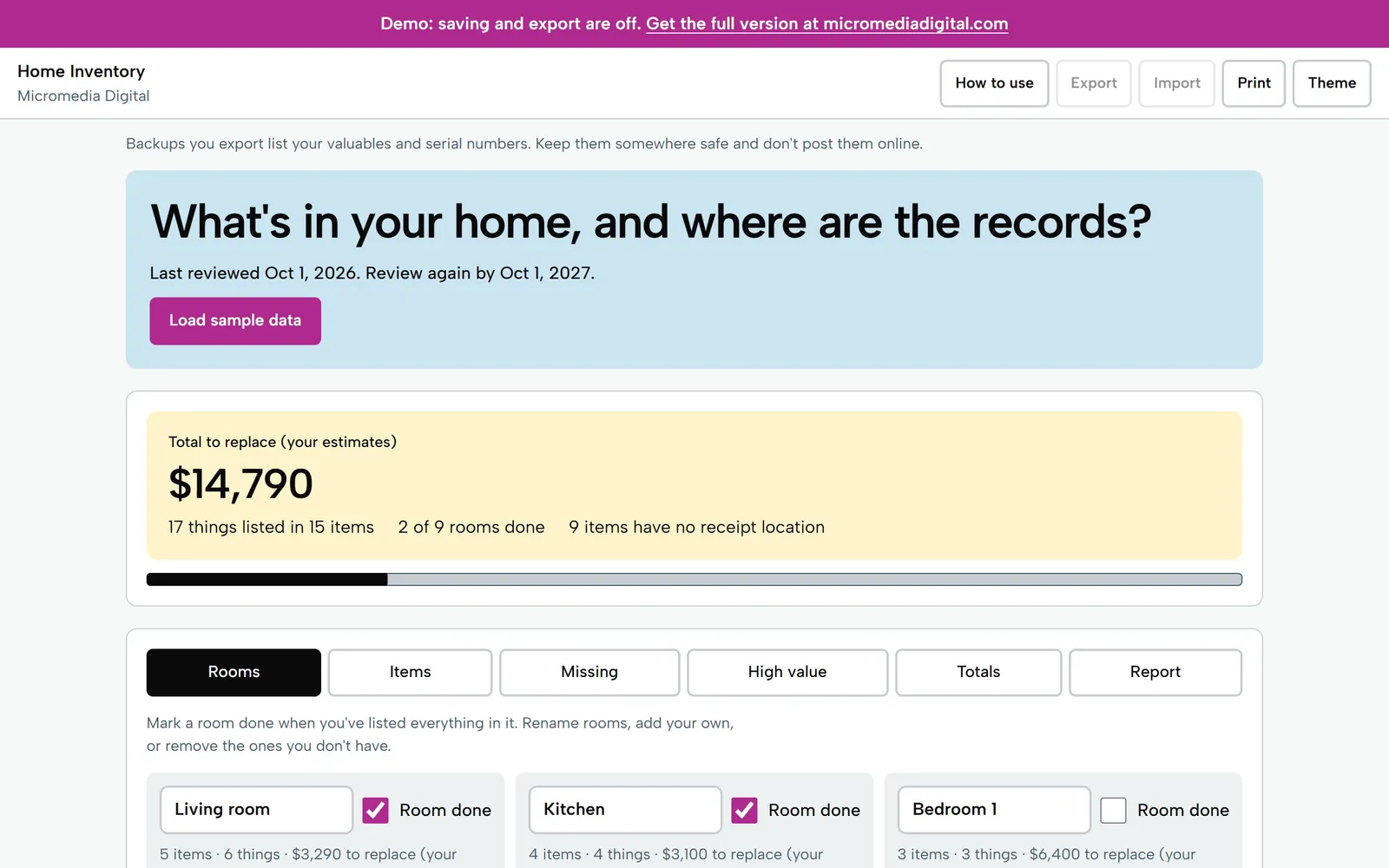
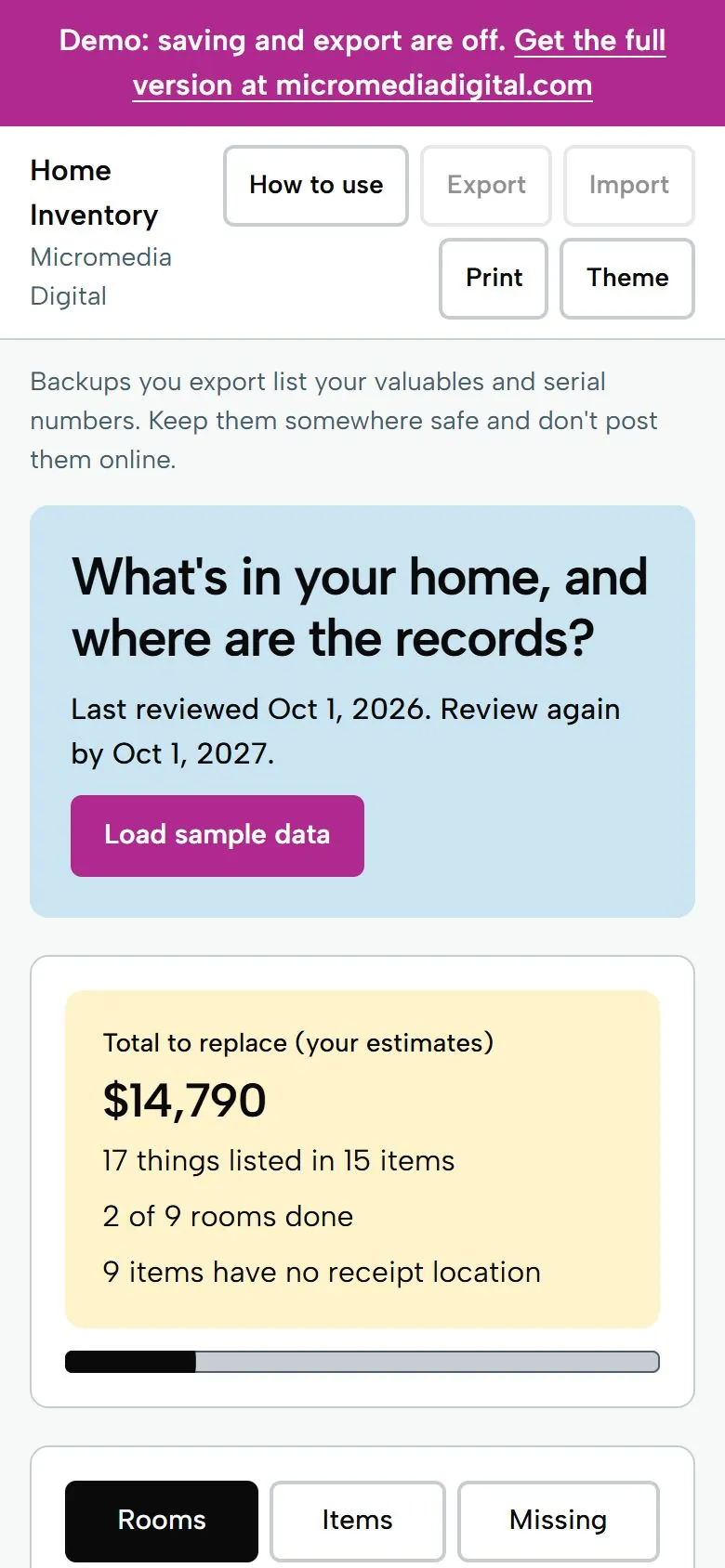
$14,790
to replace everything (your estimates): 17 things in 15 items
Helps you document your belongings. Not insurance advice: it doesn't tell you what your policy covers, what to claim or what you'd be paid. Check with your insurer or agent.
Try it here
This is the demo build with sample numbers. Saving and export are switched off.
Getting secure checkout ready…
What you get
- One big answer: what it would cost to replace everything (your estimates), things listed, and rooms done
- Add several items in a row in one room, duplicate an item, and use quantity for sets
- A What's missing list: no receipt location, no serial number on electronics and appliances, no replacement estimate, with counts per room
- A high-value list at an amount you set, plus totals by room and by category
- Print a report by room with a summary page, download a CSV, and set a yearly review reminder; your list stays on your device
Who it's for
Homeowners and renters who are buying or renewing a policy, moving in, or just want one organized record of their belongings that they can share with their insurer if they ever need it, without uploading a list of valuables to an app.
Questions
Does it store my photos and receipts?
No. Photos would make the file too big, so the tool records where you keep them, for example "Phone album: Home inventory / Living room". A walk-through checklist reminds you what to photograph.
Where does the replacement value come from?
From you. You type what it would cost to buy the item new today. The tool doesn't look up prices, and it doesn't work out depreciation or actual cash value.
Does it tell me how much coverage I need or what I can claim?
No. It helps you document your belongings. It's not insurance advice: it doesn't tell you what your policy covers, what to claim or what you'd be paid. Check with your insurer or agent.
What does the high-value list do?
It lists items whose replacement estimate is at or above an amount you choose ($1,000 to start). It makes no statement about limits or coverage. It suggests asking your insurer how your policy treats high-value items.
Where is my data stored, and how do I back it up?
Only on your own device, in your browser. Nothing is sent anywhere and there is no account. Use Export to save a backup file and Import to move it to another device. The file lists your valuables and serial numbers, so keep backups somewhere safe and don't post them online.
Does it work on my phone?
Yes. Each tool is a single file that opens in the browser on any iPhone, Android phone, tablet or computer. There's no app to install.
Where do my numbers go?
Nowhere. Everything you type stays on your own device. The tools work offline and never send your data anywhere.
Is there a subscription?
No. You pay once and keep the file. Fixes to the version you bought are free.
Pay once,
$12
You get the file, free fixes to version 1.0.0, and your money back within 14 days if it doesn't help.
Getting secure checkout ready…
Read the refund policy