Home Renovation Budget Planner
Track what your renovation costs room by room, with quotes compared and contingency.
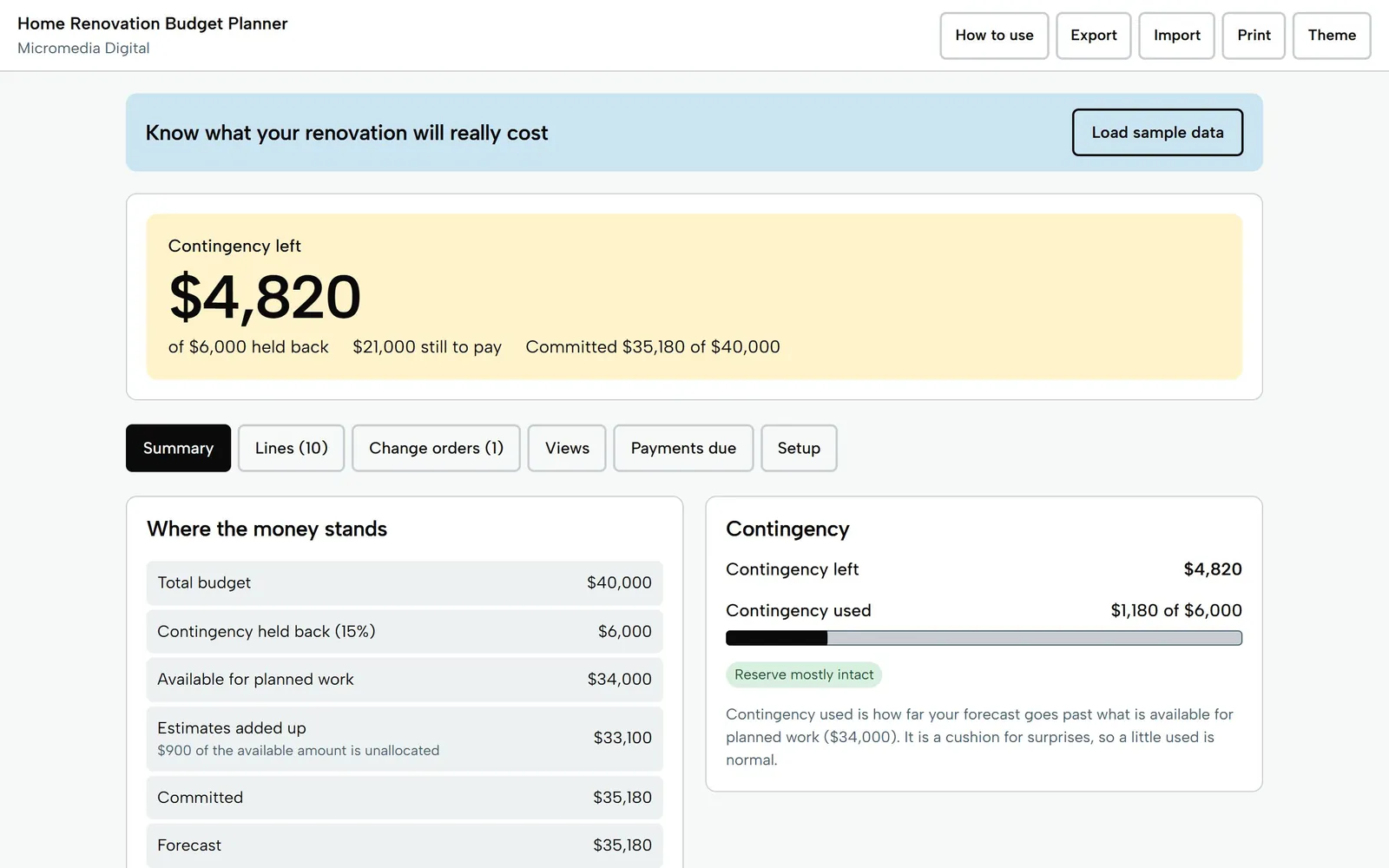
A renovation budget planner for homeowners. Add rooms and jobs, keep several quotes per job and choose one, log change orders, and watch your contingency shrink as prices come in over estimate. See what is committed, paid and still owed. One file, works offline, no login.
Getting secure checkout ready…
One-time purchase, no subscription. Download link by email. Refund within 14 days if it doesn't help.
A budget tracker, not building advice. Use licensed professionals for electrical, gas, plumbing and structural work, and check permit rules with your local building department.
Home Renovation Budget Planner
Sample project, $40,000 budget
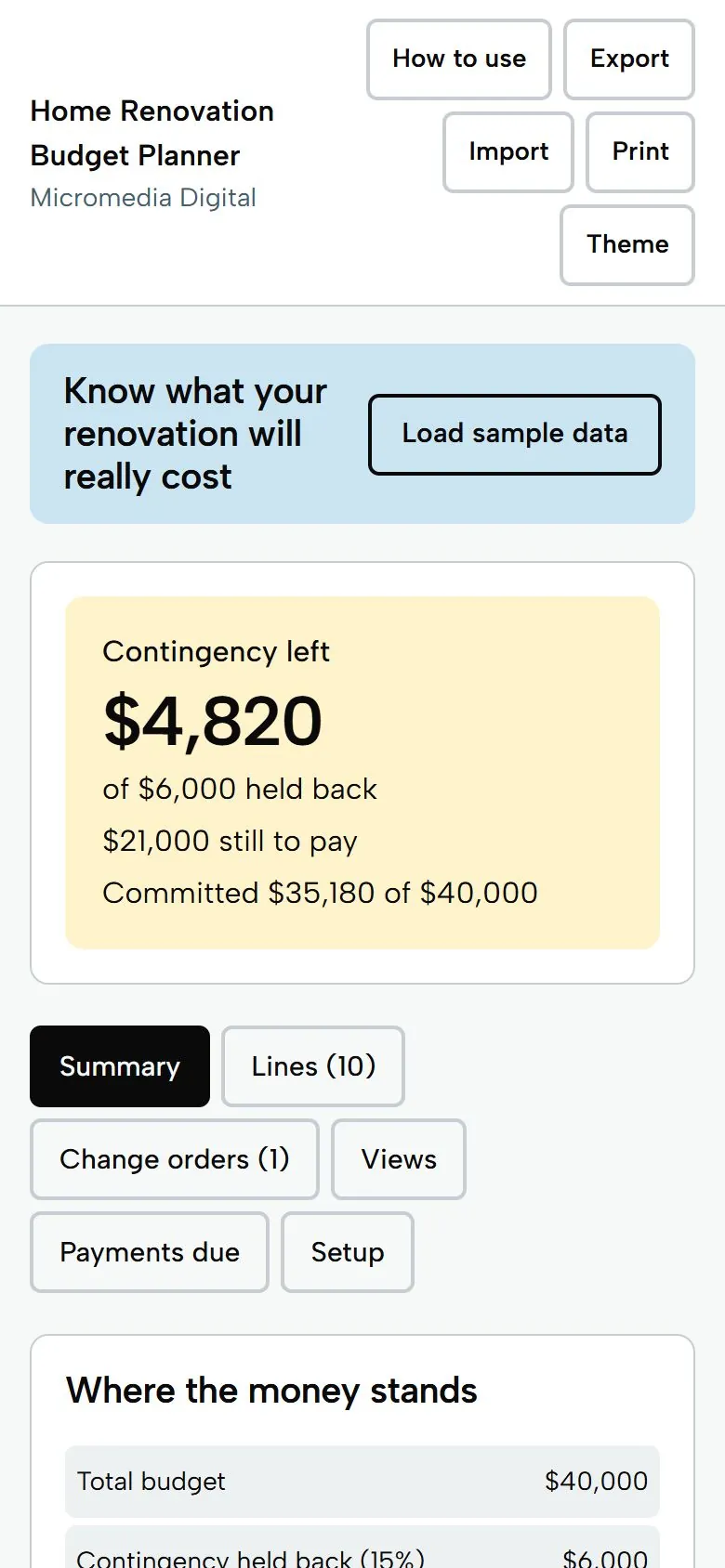
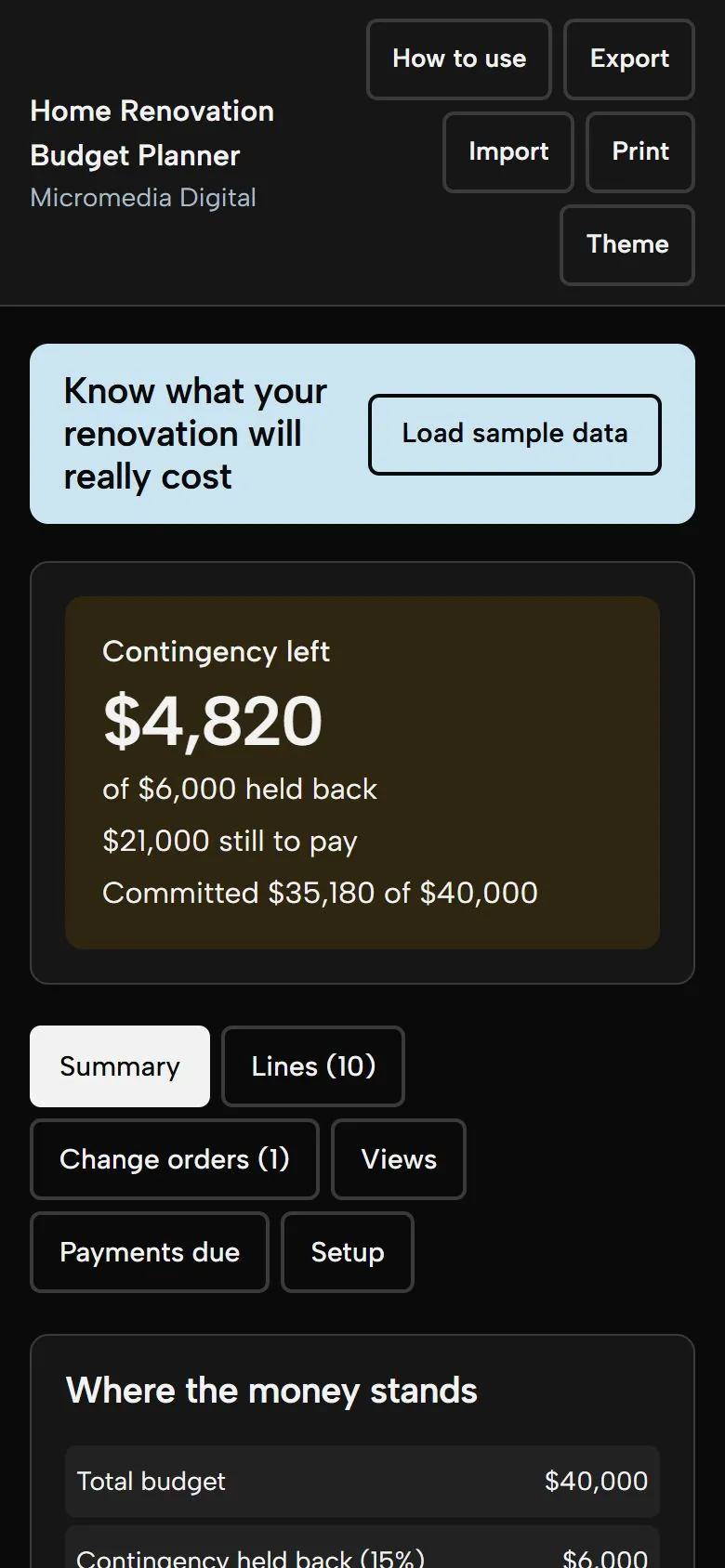
$4,820
contingency left, of $6,000 held back
Try it here
This is the demo build with sample numbers. Saving and export are switched off.
Getting secure checkout ready…
What you get
- One big answer: contingency left, what you still have to pay, and committed against your total budget
- Keep any number of quotes per job, see lowest, highest and spread, and choose the one you are using
- Separates what you planned (estimates) from what you committed, and shows when a quote pushes you into your reserve
- Change-order log per area: approved ones count toward committed, pending ones are listed but not counted
- Views by area, category and contractor, a payments-due list by month, and a printable summary with a line list
Who it's for
Homeowners planning a kitchen, bathroom or whole-house project who want one clear picture of what is quoted, what is committed, what is paid and how much cushion is left, without wrestling a spreadsheet.
Questions
How is contingency calculated?
You set a total budget and a percentage to hold back (15% to start, editable from 0 to 50). That reserve is set aside. Contingency used is how far your forecast goes past the rest, and contingency left is the reserve minus what is used. If it goes below zero the tool says you are over budget and by how much.
Can I keep more than one quote for the same job?
Yes, as many as you like. Each has a contractor, amount, date and what is included. Pick the one you are using and the numbers follow it. The line shows the lowest, the highest and the spread.
What counts as committed?
Lines marked committed or paid, at their chosen amount, plus approved change orders. Ideas and quoted jobs are not committed, but they are in the forecast.
Does it tell me what my project should cost?
No. It adds up the numbers you type. It has no price lists or cost benchmarks, and it is not building, permit or safety advice. Use licensed professionals for electrical, gas, plumbing and structural work.
Where is my data stored?
Only on your own device, in your browser. Nothing is sent anywhere and there is no account. Use Export to save a backup file and Import to move it to another phone or computer.
Does it work on my phone?
Yes. Each tool is a single file that opens in the browser on any iPhone, Android phone, tablet or computer. There's no app to install.
Where do my numbers go?
Nowhere. Everything you type stays on your own device. The tools work offline and never send your data anywhere.
Is there a subscription?
No. You pay once and keep the file. Fixes to the version you bought are free.
Pay once,
$15
You get the file, free fixes to version 1.0.0, and your money back within 14 days if it doesn't help.
Getting secure checkout ready…
Read the refund policy