Wedding Seating Chart Builder
Seat every guest in minutes, with warnings for full tables and keep-apart clashes.
A seating planner for couples. Paste your guest list, add tables, and tap a guest then a table to seat them. Red warnings in plain words catch full tables and keep-apart or keep-together clashes. Then print the chart, a find-your-table list, place cards and a caterer sheet. One file, works offline, no login.
Getting secure checkout ready…
One-time purchase, no subscription. Download link by email. Refund within 14 days if it doesn't help.
Wedding Seating Chart Builder
Sample guest list, 8 tables
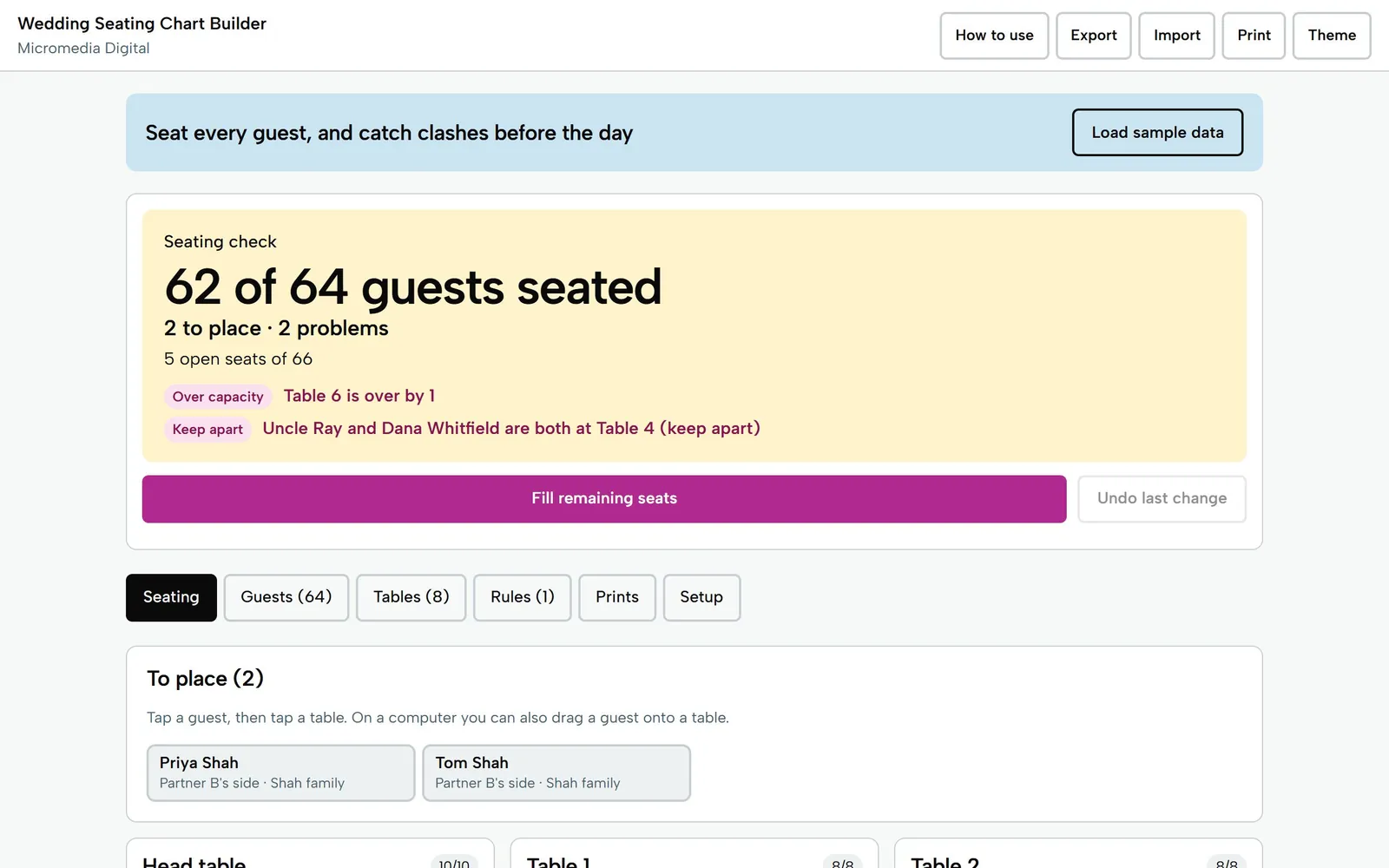
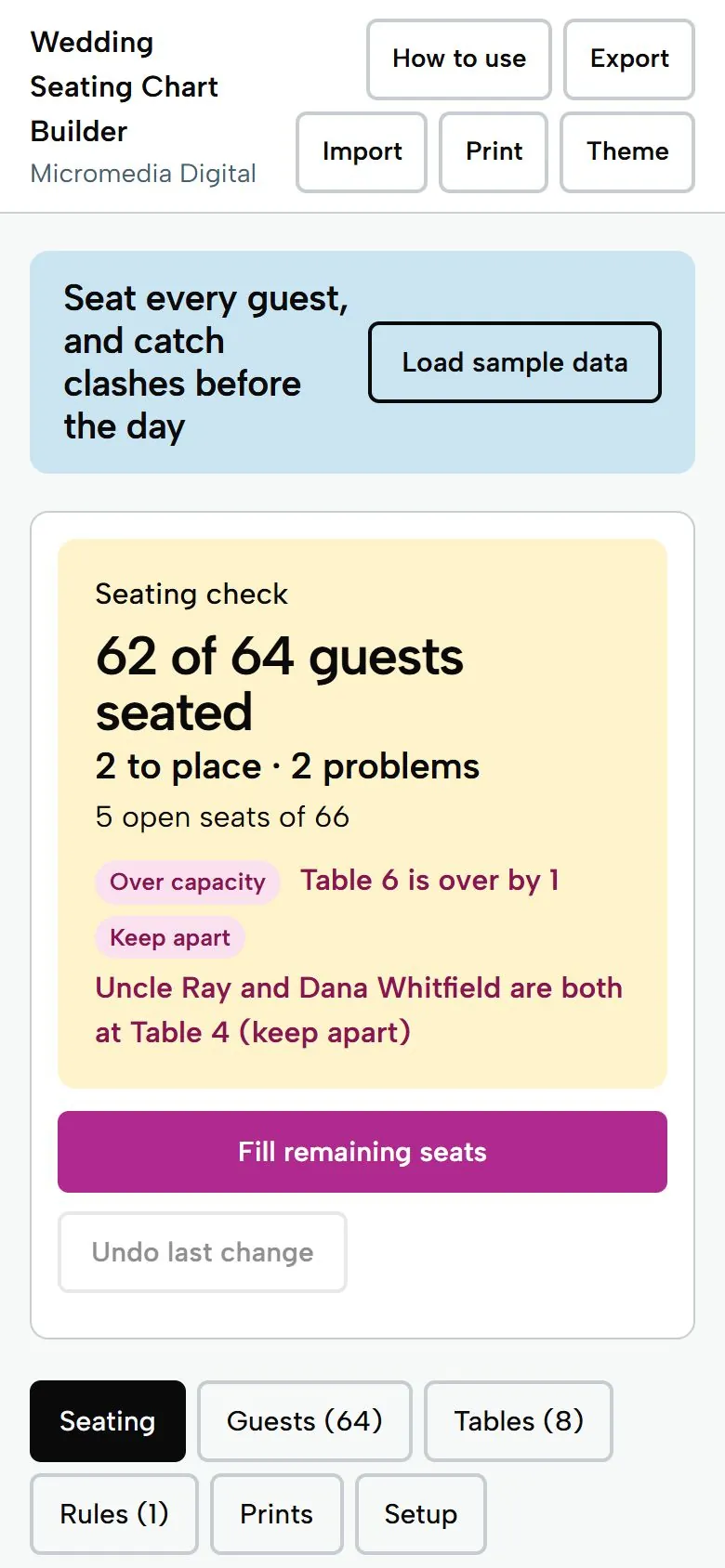
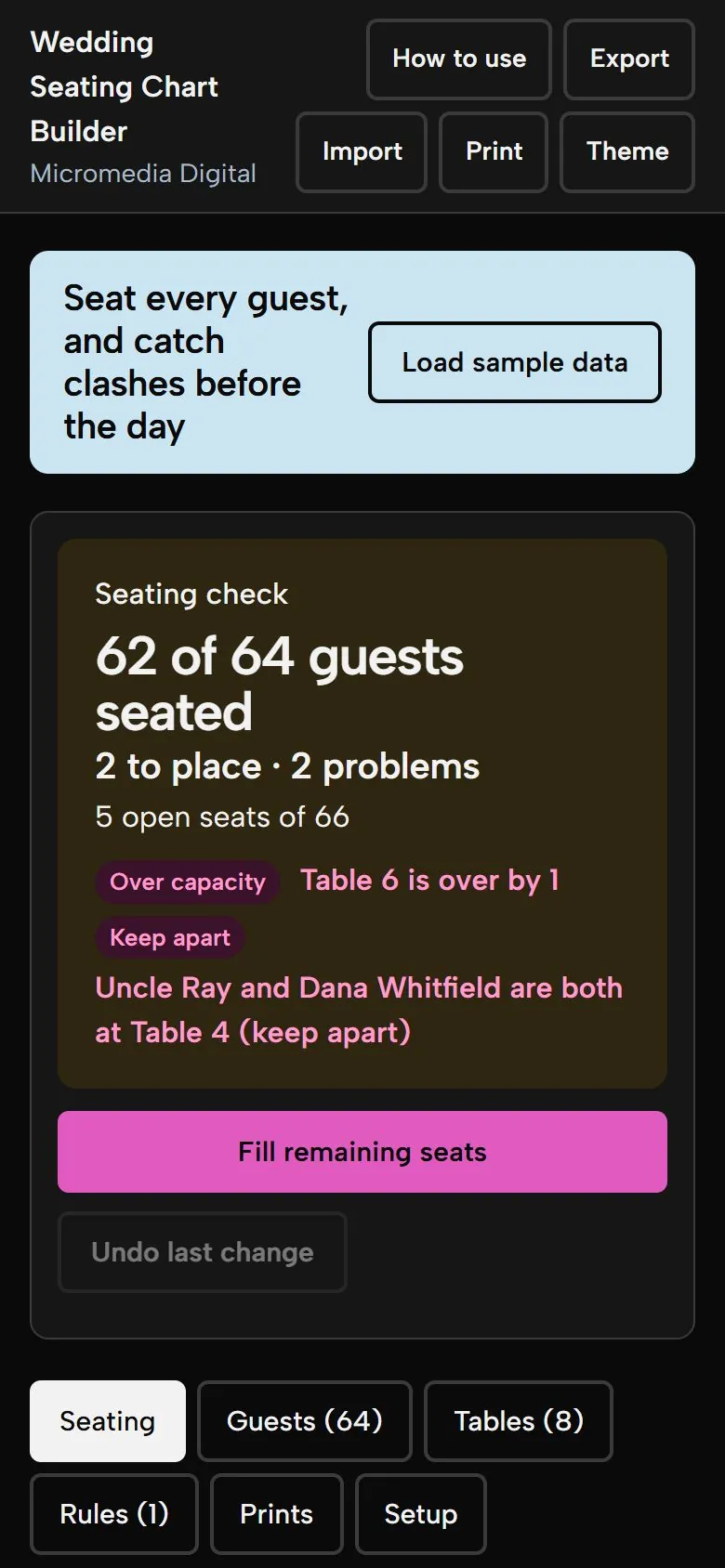
62 of 64
guests seated
Table 6 is over by 1. Uncle Ray and Dana Whitfield are both at Table 4 (keep apart).
Try it here
This is the demo build with sample numbers. Saving and export are switched off.
Getting secure checkout ready…
What you get
- Paste a guest list (one per line, or Name, Group), then seat people by tap on a phone or drag and drop on a computer
- Live red warnings in words: "Table 6 is over by 1", "Uncle Ray and Dana are both at Table 4 (keep apart)"
- Fill remaining seats seats everyone left without moving anyone already seated, keeping parties together and respecting keep-apart rules, and tells you why anyone is left out
- Parties, groups and sides are all editable, with no bride or groom assumed; a head table is just another table
- Prints: seating chart by table, alphabetical find-your-table list, place cards (8 per page with cut lines) and a caterer sheet with meal counts per table
Who it's for
Engaged couples, usually planning on a phone, who have RSVPs coming back and a family with opinions about who sits with whom, and who want to move one guest without redoing a design file.
Questions
Do I have to drag and drop?
No. On a phone you tap a guest, then tap a table (or pick the table from a list). Drag and drop is an extra on computers with a mouse. Every guest has a Remove button on their table card, and there is an Undo button.
What does Fill remaining seats do?
It seats everyone who is coming but has no table. It never moves anyone already seated. Parties go in largest first, a party only goes where the whole party fits and nobody breaks a keep-apart rule, and it prefers the table with the most guests from the same group. Anyone it can't place stays in To place with the reason.
Does it assume a bride and groom?
No. The starting groups are Partner A's side, Partner B's side, Both, Work and Family friends, and you can rename, remove or add your own. Nothing in the tool is gendered.
Can I print place cards on A4 paper?
Yes. Place cards print eight to a page with cut lines on US Letter or A4, and the other prints fit one page each. Choose Save as PDF in the print dialog if you want a file.
Where is my data stored?
Only on your own device, in your browser. Nothing is sent anywhere and there is no account. Use Export to save a backup file and Import to move it to another phone or computer. It seats guests at tables, not in numbered chairs, and it does not draw a floor plan.
Does it work on my phone?
Yes. Each tool is a single file that opens in the browser on any iPhone, Android phone, tablet or computer. There's no app to install.
Where do my numbers go?
Nowhere. Everything you type stays on your own device. The tools work offline and never send your data anywhere.
Is there a subscription?
No. You pay once and keep the file. Fixes to the version you bought are free.
Pay once,
$14
You get the file, free fixes to version 1.0.0, and your money back within 14 days if it doesn't help.
Getting secure checkout ready…
Read the refund policy